SAS Extension for VS Code
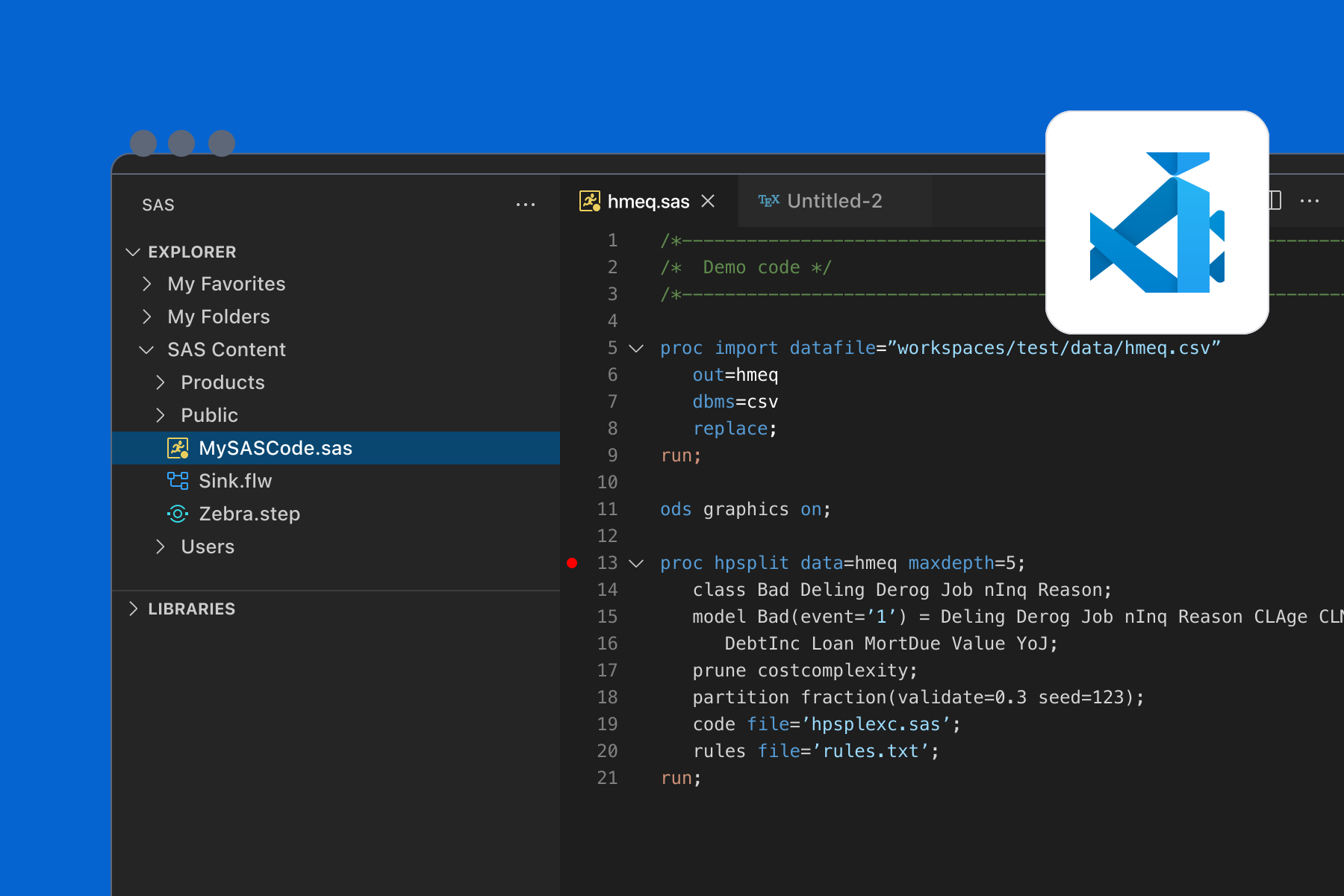
The SAS VS Code extension is lightweight, runs anywhere, and allows you to integrate SAS and other languages. The tool also offers the ability to connect directly to SAS Viya and SAS 9 and run code.
- SAS syntax highlighting and help, code completion, and code snippets
- Profile configuration for connecting to SAS and running code
- Support for SAS Viya and SAS 9 connections
- Access to SAS Content and Libraries
- Create Notebooks for SAS, SQL, Python and other languages
card,
SAS VS Code Extension | Overview
Learn the basics of the tool: write code, connect to SAS, run code, file management, etc.
card,
SAS VS Code Extension | Version 1.0 Update
Learn how to generate SAS, SQL, and Python Notebooks.
card,
SAS VS Code Extension | Versions 1.1 and 1.2 Update
Learn about the improved data viewer, SAS system and autoexec options, and how to download tables and libraries.
card,
SAS VS Code Extension | Versions 1.3 - 1.5 Update
In this video, learn about native language support, converting Notebooks to Flows, and new Settings options.
card,
SAS VS Code Extension | Versions 1.6 Update
In this video, learn about the IOM connection to SAS 9. downloading results, and code collapsing enhancements.
card,
SAS VS Code Extension | Version 1.7 and 1.8 Update
Format code via context menu, new languages, and more developer features.