Authentication to the SAS Viya Orders API requires client credentials that identify your application.
Obtain Client Credentials
Start by visiting the SAS Developer Portal to get client credentials for your application.
Here are the steps:
Click the user button in the top right of the page to sign in with your SAS Profile credentials.
Click on
+ New APP.Enter a value for
Name.Enter a value for
Description.Click
Create.1 unique Client ID and 2 Client Secret values are presented. Save them somewhere immediately, as you will not be able to view the secrets again in this UI.
Note: It is recommended that you note the expiration date and set a calendar reminder to renew your client secret.
Making API Requests with Client Credentials
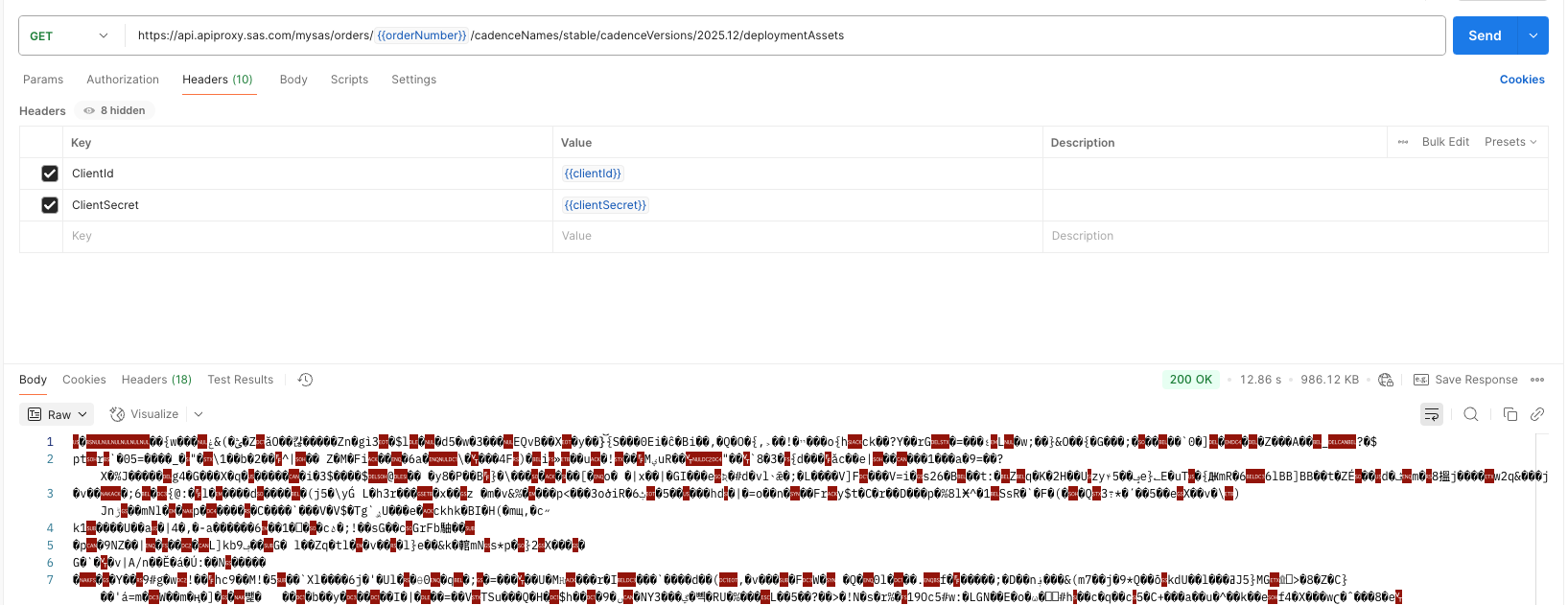
Use your client ID as the value for the ClientId request header key, and use either one of your client secrets as the value for the ClientSecret request header key as shown in the examples below.
Examples of API Endpoint Usage
These examples use either Curl, Wget, or Postman to show a variety of options.
- Get certificates
- Get deployment assets at a specific version of a cadence
- Get deployment assets at the latest version of a cadence
- Get a license
Get Certificates Using Curl
curl -o {path-and-name-of-output-certificates-file} \
    -H "ClientId: {clientId}" -H "ClientSecret: {clientSecret}"\
    https://api.apiproxy.sas.com/mysas/orders/{orderNumber}/certificates
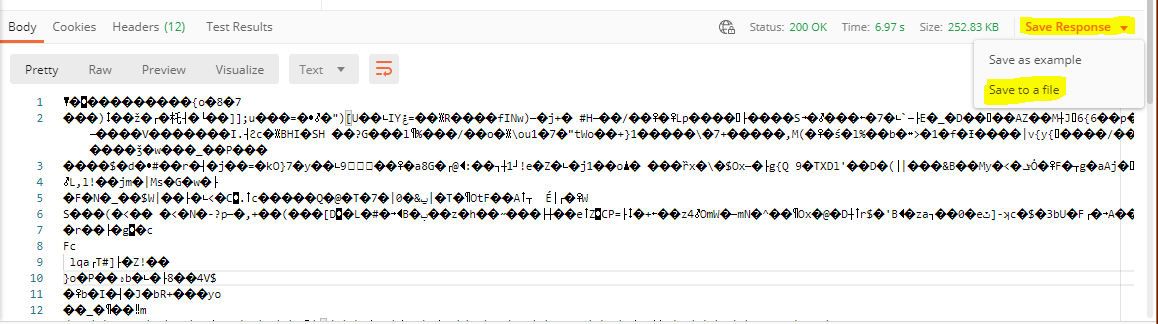
Get Deployment Assets at a Specific Version of a Cadence Using Postman
Get Deployment Assets at the Latest Version of a Cadence Using Curl
curl -o {path-and-name-of-output-deployment-assets-file} \
    -H "ClientId: {clientId}" -H "ClientSecret: {clientSecret}"\
    https://api.apiproxy.sas.com/mysas/orders/{orderNumber}/cadenceNames/{cadenceName}/deploymentAssets
Get JWT Software License at a Specific Version of a Cadence Using Wget
wget -O {path-and-name-of-output-license-file} \
    --header "ClientId: {clientId}" --header "ClientSecret: {clientSecret}"\
    https://api.apiproxy.sas.com/mysas/orders/{orderNumber}/cadenceNames/{cadenceName}/cadenceVersions/{cadenceVersion}/license